
Software
Time Clock
Managers review hours, overtime, and tips, then close the pay period.
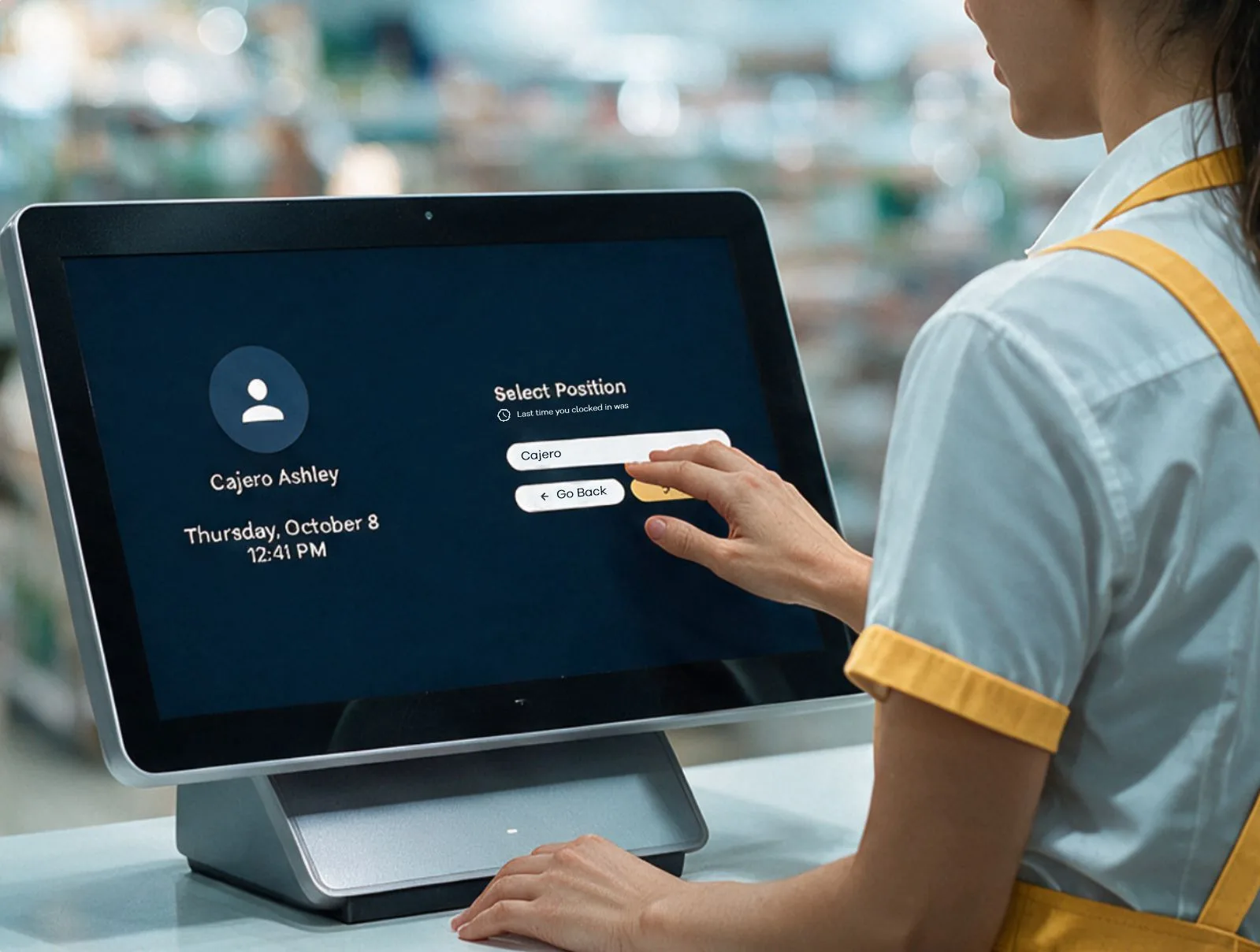
- Clock in and out
- Tips
- Missed punches
- Payroll report
- Daily tip out
- PIN and role
- Role-based access
What it does
Staff clock in, take breaks, and clock out on the POS.
On the POS
- Clock in and outWith breaks.
- TipsRecorded with the time clock.
- Missed punchesFlagged for a manager to review.
Payroll
- Payroll reportPay periods, overtime, and tips, approved and closed by a manager.
- Daily tip outHow tips were shared each day.
Permissions
- PIN and roleEach employee has a PIN, a role, and a pay rate.
- Role-based accessEach role sees what it needs.
More of the platform
Try it with your business
Already a customer? Log in
- Restaurant and retail on one platform
- Plans from $29.99 a month
- No contract, cancel anytime
- 24/7 support by email and live chat
- Bring your own devices or buy ours
- In English and Spanish